Smart lighting has moved from luxury to practical upgrade. Whether retrofitting an older home or outfitting new construction, these systems offer control, energy savings, and automation that traditional switches can’t match. Finding the right products locally, choosing a system that fits the home’s wiring, and deciding between DIY installation or hiring a pro all require different considerations. This guide walks through where to source smart lighting in the area, how to select compatible systems, and what a typical installation involves, without the marketing fluff.
Table of Contents
ToggleKey Takeaways
- Smart lighting near me is widely available at home improvement stores, lighting showrooms, and electrical wholesalers, offering flexibility between Wi-Fi, Zigbee, and Z-Wave protocols based on your home’s needs.
- Before purchasing smart switches, verify your home’s electrical configuration—particularly whether neutral wires exist at switch locations, as many smart switches require them for proper function.
- Start your smart lighting upgrade with bulbs rather than switches for minimal risk, then expand to full installations once you’re comfortable with the technology.
- Whole-home smart lighting installations by licensed electricians typically range from $75–$150 per switch, with retrofit projects costing several thousand dollars if panel upgrades or wiring additions are needed.
- Always cut power at the breaker (not the switch), use a non-contact voltage tester, and wear safety glasses when working on any smart lighting installation—call a professional for complex three-way switches or older homes with aluminum or knob-and-tube wiring.
What Is Smart Lighting and Why Upgrade Your Home?
Smart lighting refers to fixtures, bulbs, or switches controlled via app, voice assistant, or automation routine instead of a standard wall switch. These systems connect through Wi-Fi, Zigbee, Z-Wave, or Bluetooth protocols and integrate with platforms like Apple HomeKit, Google Home, or Amazon Alexa.
The practical benefits include scheduling lights to turn on before arriving home, dimming without rewiring to a dimmer switch, and creating scenes that adjust multiple fixtures simultaneously. Energy savings come from LEDs paired with motion sensors or schedules that prevent lights from running unnecessarily. For renovations, smart switches can replace traditional switches without changing fixtures, making them ideal for renters or anyone avoiding costly rewiring.
Structurally, smart lighting doesn’t typically require permits unless adding new circuits or boxes. Most installations involve replacing existing bulbs or switches within the current electrical configuration. That said, any work inside a junction box requires cutting power at the breaker and verifying with a non-contact voltage tester. If the home has aluminum wiring, knob-and-tube, or lacks a neutral wire at switch boxes, consult an electrician before proceeding, some smart switches require a neutral to function.
Safety note: always wear safety glasses when working overhead and use a sturdy ladder rated for the user’s weight plus tools.
Where to Find Smart Lighting Products Locally
Local availability has improved significantly. Big-box home centers, lighting showrooms, and even some hardware stores now stock smart bulbs, switches, and fixtures year-round.
Home Improvement Stores and Lighting Showrooms
Home Depot, Lowe’s, and Menards carry major brands across multiple protocols. Expect to find Wi-Fi bulbs (no hub required), Zigbee-compatible options, and retrofit smart switches. Staff knowledge varies, so it helps to know the home’s existing ecosystem before asking questions.
Lighting showrooms and electrical supply houses often stock higher-end systems, including fixtures with integrated smart modules and commercial-grade dimmers. These outlets may offer hands-on demos and can order specialty items not stocked on shelves. Prices run higher, but product selection includes options designed for specific fixture types, recessed cans, track lighting, under-cabinet strips, that big-box stores may not carry.
Electrical wholesalers (open to the public in many areas) stock contractor-grade smart switches and dimmers. Brands like Lutron Caseta and Leviton Decora are common. Pricing can be competitive, especially when buying multiple switches for a whole-home retrofit.
For immediate needs, checking stock online before driving saves time. Most retailers allow in-store pickup within a few hours, and return policies are straightforward if compatibility becomes an issue after purchase.
Choosing the Right Smart Lighting System for Your Needs
Protocol choice matters. Wi-Fi bulbs connect directly to the home router, requiring no additional hub. They’re simple to set up but can clutter the network if installing dozens of bulbs. Zigbee and Z-Wave require a hub (often built into smart speakers or sold separately) but create a mesh network that improves range and responsiveness.
Compatibility with existing voice assistants or automation platforms narrows options quickly. Apple HomeKit users need HomeKit-certified products: Google Home and Alexa have broader compatibility. Check packaging or spec sheets before buying.
Smart bulbs versus smart switches: bulbs screw into existing sockets and offer color-changing options, but the wall switch must stay on for app control to work. Smart switches replace the wall switch itself, controlling any bulb in the fixture, ideal for multi-bulb chandeliers or recessed lighting. Switches require a neutral wire in most cases: older homes may lack this, especially in switch loops common before the 1980s.
For testing smart lighting features, independent reviews consistently rank leading products based on expert testing of bulbs and strips, helping narrow choices by use case. Dimming range, color accuracy, and response time vary widely between budget and premium models.
Wattage and lumens: smart LED bulbs typically range from 60W equivalent (800 lumens) to 100W equivalent (1600 lumens). Kitchens and workspaces benefit from higher lumens: bedrooms and living areas often need less. Color temperature (measured in Kelvin) affects ambiance, 2700K is warm white, 5000K is daylight. Tunable white bulbs adjust across this range.
Budget considerations: expect $10–$25 per smart bulb, $30–$60 per smart switch, and $50–$100 for a hub if required. Starter kits often bundle a hub with two or three bulbs at a discount. Prices fluctuate with sales, especially around major holidays.
Finding Local Smart Lighting Installation Services
For whole-home installations, upgrading panels, or homes without neutral wires, hiring a licensed electrician makes sense. Local electricians often list smart home services: search terms like “smart lighting installer near me” or “home automation electrician” yield results.
Verify licensing and insurance before hiring. Most states require electricians to hold a journeyman or master license for anything beyond simple replacements. Ask if they’ve installed the specific system being considered, familiarity with Lutron, Philips Hue, or other platforms speeds installation and troubleshooting.
Cost estimates vary by region and scope. Simple switch replacements might run $75–$150 per switch including labor. Whole-home retrofits involving panel upgrades, adding neutral wires, or installing low-voltage controls can reach several thousand dollars. Request itemized quotes from at least two contractors.
Some lighting showrooms offer installation services or maintain lists of preferred contractors. This can streamline product selection and installation coordination, though prices may reflect the referral arrangement.
For new construction or major remodels, integrating smart lighting during rough-in is far easier than retrofitting. Coordinate with the electrician to install compatible boxes, run neutral wires to all switch locations, and pre-wire for any low-voltage systems if planning centralized control.
Don’t skip permits if required. Adding new circuits, upgrading panels, or installing fixtures in wet locations (bathrooms, outdoor areas) typically require permits and inspection. The electrician should handle this, but confirm during the quote process.
DIY Smart Lighting Installation: A Beginner’s Approach
Start with smart bulbs, they’re the lowest-risk entry point. Screw them into existing sockets, download the manufacturer’s app, and follow pairing instructions. Most use Bluetooth for initial setup, then connect to Wi-Fi. Keep the wall switch on: control lights via app or voice.
For smart switches, the process requires basic electrical work. Turn off power at the breaker, not just the switch. Remove the existing switch and note wire colors: typically black (hot/line), white (neutral), bare copper or green (ground), and possibly red (load or traveler). Smart switches need line, load, neutral, and ground connections. If only two wires are present (line and load), the box may lack a neutral, stop and consult an electrician or choose a switch designed for no-neutral installations.
Tools needed:
- Non-contact voltage tester (verify power is off)
- Screwdriver set (flathead and Phillips)
- Wire strippers
- Needle-nose pliers
- Headlamp or work light
Step-by-step for a basic single-pole smart switch:
- Cut power at the breaker and verify with voltage tester.
- Remove the cover plate and existing switch.
- Identify line (hot from breaker), load (to fixture), neutral bundle, and ground.
- Connect smart switch wires per manufacturer diagram, usually line to black, load to black or red (varies by brand), neutral to white bundle, ground to bare copper.
- Tuck wires into the box carefully, mount the switch, and attach the cover plate.
- Restore power and test manually before pairing with the app.
Three-way switches (controlling one light from two locations) require compatible smart switches or add-on devices. The wiring is more complex due to traveler wires: mistakes can cause shorts or non-functional switches. If unfamiliar with three-way circuits, this is where calling a pro saves time and potential damage.
For recessed lighting retrofits, smart bulbs or retrofit kits fit into existing 4-inch, 5-inch, or 6-inch cans. Remove the old trim and bulb, clip in the retrofit module (which includes integrated LED and trim), and screw the adapter into the socket. These kits are available at home centers and eliminate the need for separate bulbs.
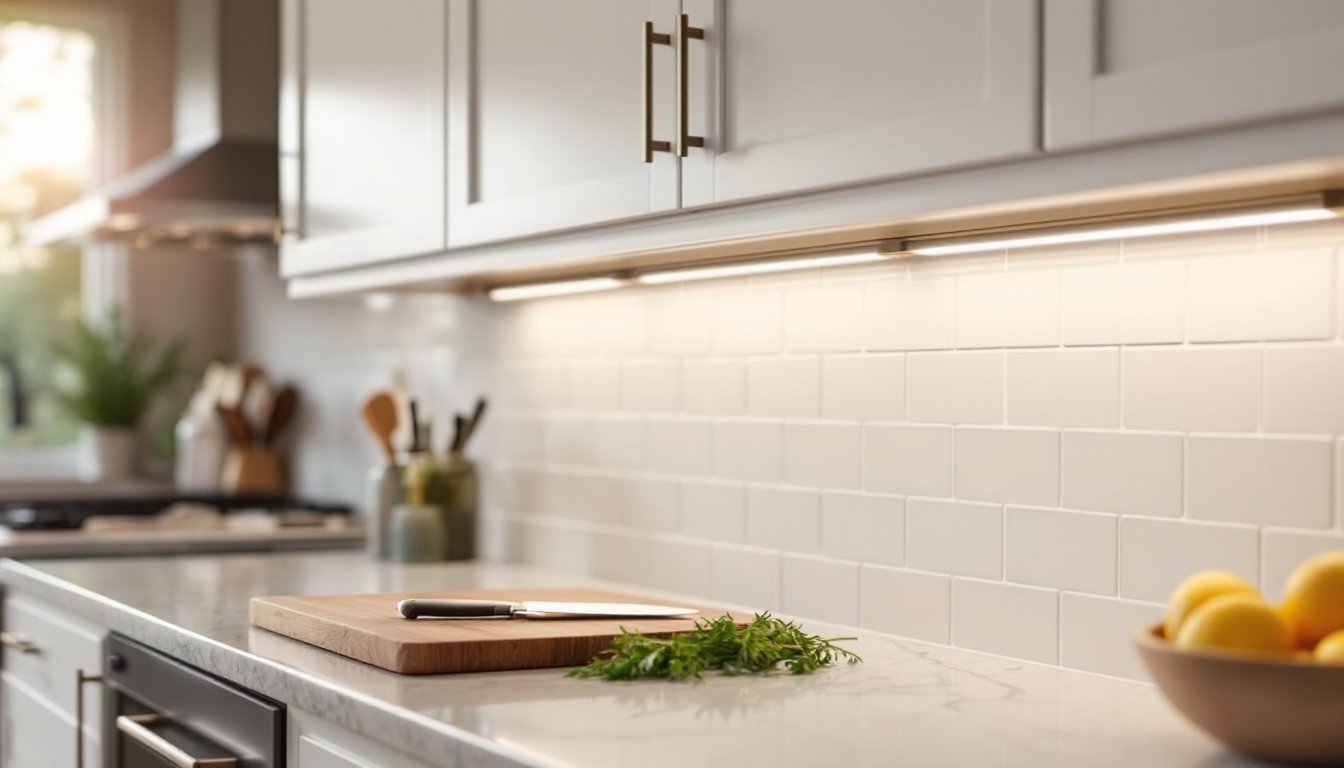
Under-cabinet lighting using smart LED strips involves adhesive mounting and low-voltage wiring. Clean the cabinet underside with isopropyl alcohol, peel the backing, and press strips firmly. Most plug into a wall outlet or hardwire to a switched circuit. For permanent installations, hardwiring avoids visible cords but requires cutting power and making connections inside a junction box.
Troubleshooting common issues: if a smart bulb won’t pair, reset it (typically by turning on/off several times in sequence per instructions). If a smart switch doesn’t respond, verify the neutral connection is secure and the switch firmware is updated via the app. Wi-Fi range problems often resolve by adding a mesh network extender or switching to a Zigbee/Z-Wave system with better signal propagation.
Always wear safety glasses when working overhead or inside electrical boxes. Use insulated tools and never touch bare wires until verifying power is off.
Conclusion
Smart lighting is accessible, whether sourcing products locally, hiring an installer, or tackling a DIY retrofit. Focus on compatibility with existing systems, verify electrical requirements before buying switches, and don’t skip safety checks when working inside junction boxes. Start small, swap a few bulbs or a single switch, then expand as comfort with the technology grows.