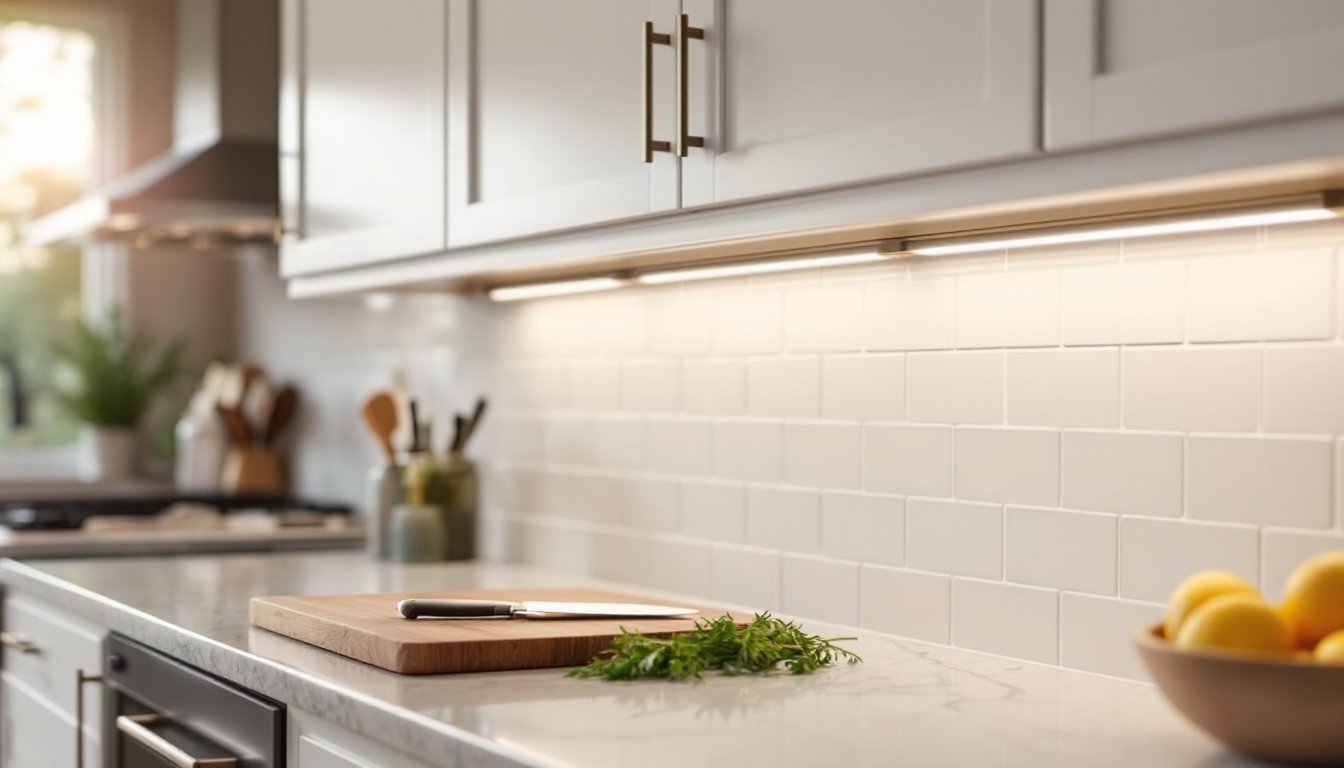
Under cabinet lighting isn’t just about seeing what you’re chopping, it’s about turning a functional kitchen into a space that actually feels good to work in. Philips Hue takes this a step further by adding smart control, color options, and automation into the mix. Whether someone’s prepping dinner at 6 AM or setting the mood for a late-night snack, Hue’s under cabinet lights adapt to the moment. This guide walks through why Hue stands out, which products work best under cabinets, how to install them without hiring an electrician, and how to troubleshoot the quirks that pop up along the way.
Table of Contents
ToggleKey Takeaways
- Philips Hue under cabinet lighting offers smart control, adjustable color temperatures (2200K–6500K), and seamless integration with Alexa, Google Assistant, and Apple HomeKit, making it more versatile than basic LED strips despite higher upfront costs.
- The Hue Lightstrip Plus delivers 1600 lumens of task lighting with low-profile 10mm width and peel-and-stick installation—no electrician or hardwiring required—making it ideal for renters and DIY kitchen upgrades.
- Proper surface preparation using isopropyl alcohol and mounting channels (if needed) prevents adhesive failure and ensures reliable long-term performance of under cabinet lighting systems.
- Create custom lighting scenes for different kitchen activities: cool white (5000K–6500K) for morning prep, neutral white (4000K) for cooking, and warm amber (2200K–2700K) at reduced brightness for dining ambiance.
- Zigbee interference from Wi-Fi routers can cause flickering or disconnections—move the Hue Bridge at least 3 feet away from your router and consider adding repeater bulbs for kitchens far from the Bridge.
- Hue under cabinet lighting integrates with motion sensors and smart home routines, enabling automated scenarios like hands-free activation when entering the kitchen or color adjustments synced with morning coffee preparation.
Why Choose Philips Hue for Under Cabinet Lighting?
Philips Hue isn’t the only option for under cabinet lighting, but it’s one of the most versatile. The system runs on Zigbee wireless protocol, which means lights connect to a Hue Bridge (a small hub that plugs into the router) rather than relying solely on Bluetooth. This setup allows for more stable connections, especially in kitchens where Wi-Fi can get congested.
One major advantage: color temperature control. Hue lights can shift from warm 2200K (think candlelight) to cool 6500K (bright daylight). That flexibility matters when someone’s trying to match the ambiance of overhead fixtures or needs focused task lighting for detailed work. Standard LED strips lock you into one color temp, Hue doesn’t.
Smart home integration is another draw. Hue works with Alexa, Google Assistant, Apple HomeKit, and Samsung SmartThings. Voice commands, scheduling, and automation routines (like “lights on at sunset”) become part of the workflow. For anyone already invested in a smart home ecosystem, Hue slots right in.
The tradeoff? Cost. Hue products run higher than basic plug-in LED strips. A Hue Lightstrip Plus starter kit (including the bridge) costs around $80–$100 as of 2026, while a non-smart LED strip might run $20–$30. But the added functionality, dimming without a wall switch, color scenes, remote control via smartphone, justifies the premium for many DIYers.
One last thing: Hue doesn’t require hardwiring. Most installations use low-voltage DC power with adhesive mounting, so there’s no need for electrical permits or cutting into drywall. That makes it accessible for renters or anyone who wants to avoid permanent modifications.
Best Hue Products for Under Cabinet Installation
Hue Lightstrip Plus
The Lightstrip Plus is the workhorse for under cabinet setups. It comes in 2-meter (6.6-foot) sections with the option to extend up to 10 meters using add-on strips. The strip emits 1600 lumens at full brightness, which is enough for serious task lighting, not just accent glow.
Key specs:
- Width: 10mm (about 3/8 inch), low-profile enough to tuck under most cabinets
- Power: 20W per 2-meter section, runs on a 24V DC adapter (included)
- Mounting: 3M adhesive backing (peel-and-stick)
- Cut points: Can’t be trimmed: you buy in fixed lengths and connect extensions
The adhesive works well on clean, dry surfaces, wood, laminate, metal. If cabinets have a textured finish or the adhesive fails, use aluminum mounting channels (sold separately) with screws. Channels also diffuse the light and prevent the “hot spot” effect where individual LEDs are visible.
One limitation: the Lightstrip Plus can’t be cut to exact length. If someone needs 4.5 feet of coverage, they’ll have to work with a 6.6-foot strip and tuck the excess. That’s a common frustration, but planning the layout in advance minimizes waste.
Hue Play Gradient Lightstrip
The Play Gradient Lightstrip was designed for TV backlighting, but it works under cabinets when someone wants dynamic color zones. Unlike the Lightstrip Plus (which shows one color at a time), the Gradient can display multiple colors simultaneously across its length.
This matters for design-focused kitchens where lighting is part of the decor. A gradient fade from warm amber to cool white can highlight specific zones, prep area versus serving area, for example.
Tradeoffs:
- Higher cost: Gradient strips run about $30–$50 more than Lightstrip Plus
- Less brightness: Around 1400 lumens vs. 1600 lumens
- Fixed lengths: Available in 55-inch, 65-inch, and 75-inch sizes (no extensions)
For pure task lighting, the Lightstrip Plus is the better pick. For kitchens doubling as entertaining spaces, the Gradient adds flair without sacrificing function.
Step-by-Step Installation Guide
Tools and Materials:
- Philips Hue Lightstrip or Gradient strip
- Hue Bridge (if not already owned)
- Isopropyl alcohol and lint-free cloth
- Measuring tape
- Optional: aluminum mounting channels, cable clips, wire ties
- Safety: Work with power off if installing near outlets: no live wiring involved, but good practice
Step 1: Plan the Layout
Measure the underside of the cabinets where light is needed. Standard base cabinets are 24 inches deep: wall cabinets vary from 12 to 24 inches. Most installs run the strip along the front edge (closest to the countertop) for maximum task lighting.
Sketch the route the strip will take, noting where the power adapter will plug in. Hue adapters have a 6-foot cord, so plan accordingly. If the nearest outlet is farther, use an extension cord rated for the wattage (20W per strip).
Step 2: Prep the Surface
Clean the mounting area with isopropyl alcohol (70% or higher). Grease, dust, or moisture will kill adhesive bond. Let it dry completely, this step matters more than any other.
If cabinets have a rough or unfinished underside, consider mounting channels. They provide a stable base and improve light diffusion. Channels screw directly into the cabinet: use #6 x ½-inch screws into the cabinet bottom (not into studs, cabinets are the anchor).
Step 3: Attach the Lightstrip
Peel the backing off the adhesive in small sections (don’t remove it all at once). Press the strip firmly along the planned route, working in one direction to avoid bubbles or misalignment.
For corners, Hue sells corner connectors that allow 90-degree turns without kinking the strip. Don’t force a sharp bend, it can damage the internal circuitry.
Step 4: Connect Power and Pair with the Bridge
Plug the strip into the DC adapter, then plug the adapter into an outlet. The strip should light up immediately (default color is usually warm white).
Open the Hue app (iOS or Android), tap the “+” icon, and select “Add Light.” The app will search for new devices. Press the button on the Hue Bridge if the light doesn’t appear automatically. Once paired, assign the strip to a room (e.g., “Kitchen”) for easier control.
Step 5: Cable Management
Secure the power cable along the cabinet or wall using cable clips or adhesive wire ties. Loose cables are a tripping hazard and look sloppy. Route the cable behind appliances or along the cabinet toe kick when possible.
Step 6: Test and Adjust
Cycle through brightness levels and colors to confirm everything works. If the light feels too harsh, dial down the brightness or shift to a warmer color temp (2700K–3000K mimics incandescent bulbs).
For kitchens with multiple light sources, integrating flush mount ceiling fixtures helps balance the overall lighting scheme.
Creative Design Ideas and Lighting Scenes
Hue’s app allows custom scenes, preset combinations of color, brightness, and timing. Here are a few setups that work well in kitchens:
Morning Prep (Energize Scene)
Set lights to cool white (5000K–6500K) at 80–100% brightness. This mimics daylight and helps wake people up while they’re making coffee. According to recent home renovation trends, task lighting that adjusts for time of day is increasingly popular.
Evening Cooking (Concentrate Scene)
Shift to neutral white (4000K–4500K) at 70% brightness. This provides enough light for detailed work (dicing, measuring) without the clinical feel of full daylight.
Dinner Party (Relax Scene)
Warm amber tones (2200K–2700K) at 40–50% brightness create ambiance without sacrificing visibility. Pair this with dimmed overhead lights for a restaurant vibe.
Night Mode
Set a dim red or orange at 10% brightness. This provides just enough light for a midnight snack without blasting sleep-disrupting blue wavelengths.
Color Accents for Open Shelving
If the kitchen has open shelves or glass-front cabinets, inside cabinet lighting can complement under cabinet strips. Use subtle blues or greens to highlight glassware or dishware, just enough to add depth without looking like a nightclub.
Automation Routines
Hue integrates with motion sensors (sold separately). Set lights to turn on when someone enters the kitchen and off after 10 minutes of no motion. This is especially useful for early risers who don’t want to fumble for a switch in the dark.
Another option: sync lights with smart plugs controlling a coffee maker. When the coffee starts brewing, the lights fade up to 50% brightness automatically.
Troubleshooting Common Issues
Adhesive Fails Within Days
This usually means the surface wasn’t clean or the strip was applied in a humid environment. Remove the strip, clean both the cabinet and the adhesive side with alcohol, and reapply. If it fails again, switch to mounting channels or use Gorilla Clear Mounting Tape (double-sided, rated for 15 lbs per strip).
Lights Flicker or Disconnect Randomly
Zigbee interference is the likely culprit. Wi-Fi routers operating on the 2.4 GHz band can overlap with Zigbee frequencies. Move the Hue Bridge at least 3 feet away from the router. If the kitchen is far from the Bridge, add a Hue bulb or plug midway to act as a Zigbee repeater.
Color Isn’t Uniform Across the Strip
This can happen with older Lightstrip Plus models or if the strip is nearing the 10-meter extension limit. Voltage drop causes dimming at the far end. Solutions:
- Use a second power adapter for strips longer than 6 meters
- Check that all connectors are seated firmly
- Update firmware via the Hue app (firmware bugs sometimes affect color rendering)
App Won’t Detect the Strip
Confirm the Hue Bridge is connected to the router (solid blue lights on the Bridge). Restart the Bridge by unplugging it for 30 seconds. If that doesn’t work, factory reset the strip by turning it on/off 5 times in a row (it should blink to confirm reset), then re-pair.
Light Output Seems Dim
Double-check the brightness setting in the app, it’s easy to accidentally leave it at 30%. Also, compare the strip to other light sources in the kitchen. If overhead lights are daylight-bright, a warm-toned Hue strip will seem dim by contrast. Adjust color temp or add more strips for higher lumen output.
Power Adapter Gets Warm
Slight warmth is normal: it’s a 24V transformer stepping down from 120V AC. If it’s too hot to touch, the circuit might be overloaded (too many extension strips) or the adapter is failing. Unplug immediately and contact Philips support. Don’t exceed the maximum 10-meter extension limit, it’s there for a reason.
For kitchens where smart lighting is part of a broader renovation, consulting resources like The Kitchn can provide design context that integrates lighting with cabinetry, backsplash, and layout decisions.