Smart LED lighting has moved from futuristic novelty to practical home upgrade, and for good reason. These systems let homeowners control brightness, color, and scheduling from a smartphone or voice assistant, all while using a fraction of the energy traditional bulbs consume. Whether upgrading a single room or outfitting an entire house, smart LEDs offer flexibility that standard switches can’t match. This guide walks through what smart LED lighting actually is, why it’s worth installing, how to choose the right system, and how to get it up and running without hiring an electrician.
Table of Contents
ToggleKey Takeaways
- Smart LED lighting cuts energy use by 80% compared to incandescent bulbs while lasting 15,000–25,000 hours, delivering significant savings over time.
- Choose between standalone Wi-Fi bulbs for small projects or renters and hub-based systems with Zigbee/Z-Wave protocols for whole-house installations with 50+ bulbs.
- Installation is DIY-friendly and requires no electrical work—simply screw in bulbs, download the app, connect to Wi-Fi, and integrate with voice assistants like Alexa or Google Assistant.
- Tailor lighting to your lifestyle by creating scenes that adjust multiple fixtures at once, set schedules for sunset automation, and enable motion sensors for hands-free convenience.
- Smart LED systems avoid dimmer switches and fully enclosed fixtures to prevent flickering and overheating, ensuring optimal performance and bulb lifespan.
What Is Smart LED Lighting and How Does It Work?
Smart LED lighting combines LED (light-emitting diode) technology with wireless connectivity, allowing users to control lights remotely via Wi-Fi, Bluetooth, Zigbee, or Z-Wave protocols. Unlike traditional bulbs that operate on a simple on/off circuit, smart LEDs contain embedded microchips and radio transmitters that communicate with a hub, router, or directly with a smartphone app.
Most systems fall into three categories: standalone bulbs that screw into existing fixtures and connect directly to Wi-Fi, hub-based systems that require a central controller (like Philips Hue Bridge), and mesh networks that use protocols like Zigbee to link multiple devices without overloading a home router. Hub-based setups tend to offer more reliable performance and support for larger installations, think 50+ bulbs across multiple rooms, while standalone bulbs work well for smaller projects or renters who want plug-and-play simplicity.
Once installed, smart LEDs sync with apps (iOS, Android) or voice assistants (Alexa, Google Assistant, Apple HomeKit). Users can dim lights, change colors (if using RGBW bulbs), set schedules, or create scenes that adjust multiple fixtures at once. Some advanced models integrate motion sensors or sync with security systems to simulate occupancy when homeowners are away.
The key hardware difference from standard LEDs: smart bulbs draw a tiny amount of standby power even when “off” to maintain their wireless connection. This is negligible, usually less than 0.5 watts, but it means they shouldn’t be used with dimmer switches unless the manufacturer explicitly states compatibility. Cutting power at the wall switch disrupts the connection and defeats the smart functionality.
Key Benefits of Installing Smart LED Lights in Your Home
Energy Efficiency and Cost Savings
Smart LEDs pull 8–12 watts to produce the same light output as a 60-watt incandescent, cutting energy use by roughly 80%. Over a bulb’s 15,000–25,000-hour lifespan, that translates to significant savings, especially in homes with multiple fixtures running several hours daily. Independent testing shows that the best smart LED bulbs often exceed manufacturer claims for longevity and efficiency.
Scheduling features amplify savings further. Homeowners can program lights to turn off automatically at sunrise, dim during daytime hours, or switch off when rooms are unoccupied. Vacation mode randomizes lighting patterns to deter break-ins without leaving fixtures on 24/7. Unlike incandescents, LEDs generate minimal heat, reducing cooling costs in summer months.
Bulb longevity also cuts replacement frequency. A quality smart LED rated for 25,000 hours can last over a decade with typical use (roughly 6 hours/day). That’s fewer ladder trips, less packaging waste, and fewer store runs.
Customization and Ambiance Control
Color temperature and dimming give users precise control over mood and function. Tunable white bulbs shift from warm 2700K (candlelight feel) to cool 5000K (daylight), letting homeowners match lighting to activity, soft tones for evening relaxation, bright whites for task work. RGBW (red-green-blue-white) bulbs add millions of color options for accent lighting, holiday themes, or home theater setups.
Scenes bundle settings across multiple fixtures. A “movie night” scene might dim overhead lights to 10%, set backlighting to deep blue, and turn off kitchen pendants, all triggered by a single voice command or app tap. Morning routines can gradually brighten bedroom lights over 15 minutes to simulate sunrise, which many users find gentler than jarring alarm clocks.
Integration with smart home ecosystems unlocks automation. Lights can respond to door sensors (entry lights on when the garage opens), weather data (brighter indoors on overcast days), or time-based triggers (porch lights on at sunset, off at 11 PM). These setups don’t require custom wiring or expensive control panels, just compatible devices and a few minutes of app configuration.
Choosing the Right Smart LED Lighting System for Your Space
Start by assessing compatibility with existing infrastructure. Renters or those testing the waters should prioritize Wi-Fi bulbs that screw into standard E26 sockets and don’t require a hub. Homeowners planning whole-house installs benefit from hub-based systems, which handle more devices, reduce network congestion, and often support wired smart switches for multi-bulb fixtures.
Protocol matters for expandability. Zigbee and Z-Wave create mesh networks where each device extends range, ideal for larger homes or detached garages. Wi-Fi bulbs connect directly to routers, which simplifies setup but can bog down bandwidth if installing dozens of lights. Bluetooth works for small spaces (single room, closet) but lacks remote access unless paired with a hub.
Consider fixture type and form factor. Recessed cans use BR30 or PAR38 bulbs: chandeliers often need candelabra (E12) bases: track lighting may require GU10 spots. Not all smart bulbs come in every shape, check specs before buying. For hard-to-reach fixtures (cathedral ceilings, exterior soffits), prioritize long-rated lifespans to minimize bulb changes.
Color capability splits into three tiers: fixed white (one color temperature), tunable white (adjustable from warm to cool), and full RGBW. Fixed white costs least and suits utility spaces. Tunable white fits living areas where task and ambient needs vary. RGBW excels in entertainment zones, kids’ rooms, or anywhere accent lighting adds value. Experts testing top smart lighting systems note that RGBW bulbs often sacrifice brightness at pure white settings compared to dedicated tunable models.
Voice control preference drives platform choice. Alexa users lean toward devices marked “Works with Alexa”: Apple fans prioritize HomeKit compatibility for Siri control and inclusion in Apple Home automations. Google Assistant works across most brands. Cross-platform bulbs cost slightly more but future-proof against ecosystem switches.
Budget realistically. Entry-level Wi-Fi bulbs run $10–15 each: premium hub-based RGBW bulbs hit $40–50. Hubs add $50–80. A typical living room retrofit (six bulbs, one hub) costs $250–350. Compare that to hiring an electrician for new wiring ($500+ just for labor) or installing low-voltage LED strips with separate controllers.
Installing Smart LED Lighting: A DIY-Friendly Approach
Most smart LED installs require no electrical work beyond screwing in a bulb, perfect for DIYers uncomfortable opening junction boxes. Here’s the process:
Materials:
- Smart LED bulbs (matched to fixture socket type)
- Smartphone with manufacturer app installed
- Wi-Fi network credentials (or hub, if system requires)
- Ladder or step stool for overhead fixtures
Installation Steps:
-
Turn off power at the switch (not the breaker, just the wall switch controlling the fixture). Remove the old bulb once it cools. If replacing a CFL or halogen, dispose of it properly (many hardware stores accept recycling).
-
Install the smart bulb in the empty socket. Ensure it’s snug but don’t overtighten, LED housings can crack under excessive torque. Flip the switch back on. The bulb should light immediately, often blinking or cycling colors to indicate pairing mode.
-
Download the manufacturer app and create an account. Follow the in-app prompts to add a new device. Most apps scan for bulbs automatically. If using a hub, plug it into the router via Ethernet, power it on, and let it initialize (usually 1–2 minutes) before adding bulbs.
-
Connect the bulb by confirming your Wi-Fi network and entering the password. Hub-based systems pair via Zigbee or Z-Wave, which happens automatically once the hub and bulb are both powered. The app will confirm connection with a success message, and the bulb typically flashes to confirm.
-
Name and group fixtures in the app. Label each bulb by room and fixture (“Kitchen Pendant 1,” “Bedroom Ceiling”) to simplify voice commands later. Create groups for multi-bulb spaces so one command controls all fixtures.
-
Integrate with voice assistants by enabling the manufacturer’s skill in Alexa, linking the account in Google Home, or adding the accessory in Apple Home. Voice discovery scans for newly added devices.
Safety & Pro Tips:
- Never install smart bulbs in fully enclosed fixtures unless rated for it, LEDs need airflow to dissipate heat, and overheating shortens lifespan. Check the bulb packaging for “enclosed fixture rated” labeling.
- Avoid using smart bulbs with dimmer switches or timers. Physical dimmers can cause flickering or damage the bulb’s circuitry. If the existing switch is a dimmer, replace it with a standard toggle or leave it at 100% and control dimming via app.
- For multi-bulb chandeliers or track lighting, some users prefer installing a smart switch instead of multiple bulbs. This requires basic wiring (hot, neutral, ground) and potentially a larger junction box to fit the switch electronics. If comfortable with circuit work, smart switches save money on bulb count. If not, stick with bulbs.
- Firmware updates matter. Check the app quarterly for updates that improve performance, fix bugs, or add features. Most systems auto-update, but some require manual approval.
No permits needed, this is fixture-level work, not branch circuit modification. If installing recessed cans or running new wiring, that’s a different story and often requires an electrician and inspection per local code.
Creative Ways to Use Smart LED Lighting Throughout Your Home
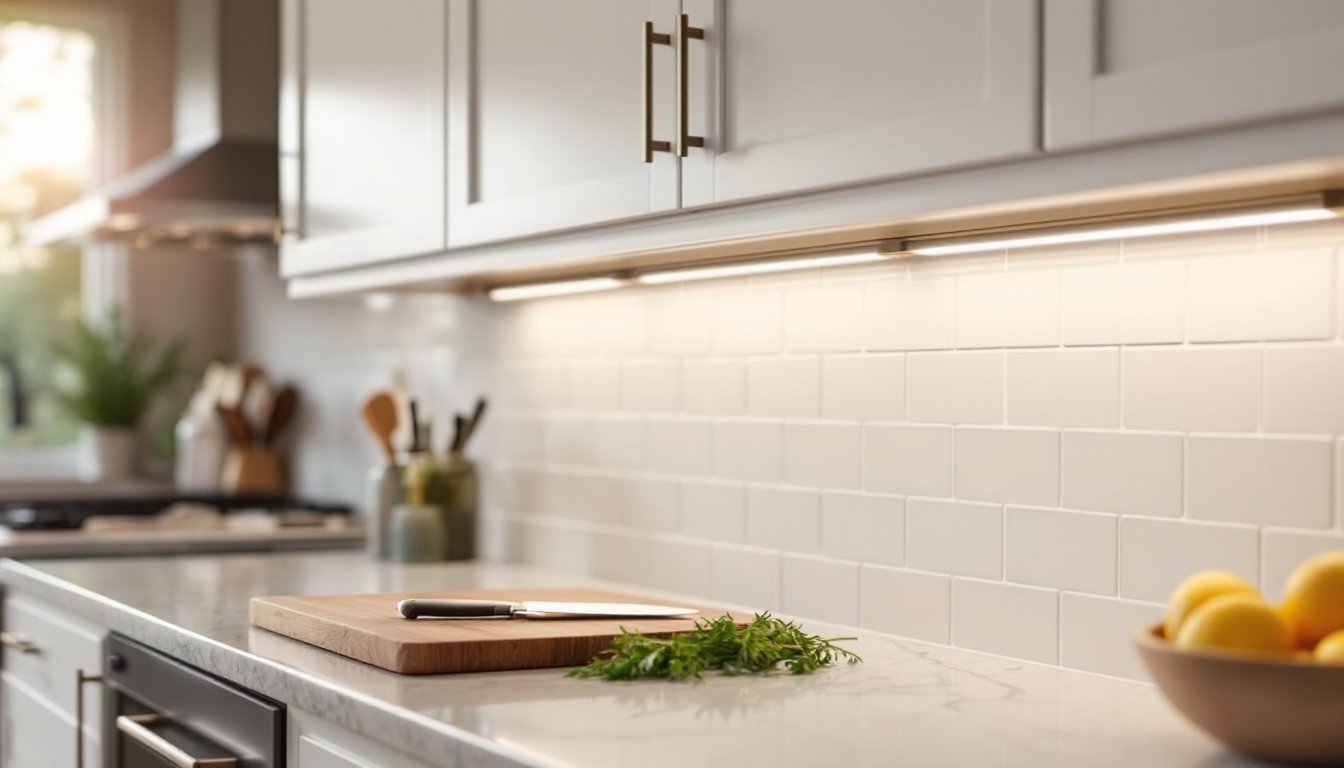
Kitchen task lighting: Install tunable white bulbs in under-cabinet fixtures or pendant lights over islands. Bright, cool whites (4000–5000K) aid meal prep and cleanup: warm tones (2700K) soften the space for dining. Motion sensors can trigger counter lights when someone enters, hands-free convenience when holding groceries.
Living room layering: Combine living room ceiling fixtures with smart floor lamps and LED strips behind TVs or along baseboards. Create scenes that dim overheads, brighten reading lamps, and add subtle backlighting for movie nights. RGBW strips sync with media players in some ecosystems, matching on-screen colors for immersive viewing.
Bedroom wake-up routines: Program bulbs to gradually increase brightness 20 minutes before wake time, mimicking sunrise. Pair with a smart thermostat to warm the room simultaneously. At night, schedule lights to dim to warm amber an hour before bed, which some studies suggest supports melatonin production better than bright blue-rich whites.
Home office productivity: Use tunable whites to match natural circadian rhythms, cooler, brighter light (4500–5000K) during focus work, warmer light (3000K) for afternoon video calls when harsh lighting can wash out skin tones. Pair with desk sensors so lights turn off after 10 minutes of inactivity, cutting energy waste.
Accent and display lighting: Highlight artwork, bookshelves, or inside cabinet displays with RGBW bulbs or color-changing strips. Shift colors seasonally, orange and red for fall, cool blues for winter, without physically changing decor. Battery-powered smart puck lights work in cabinets or closets where wiring isn’t feasible.
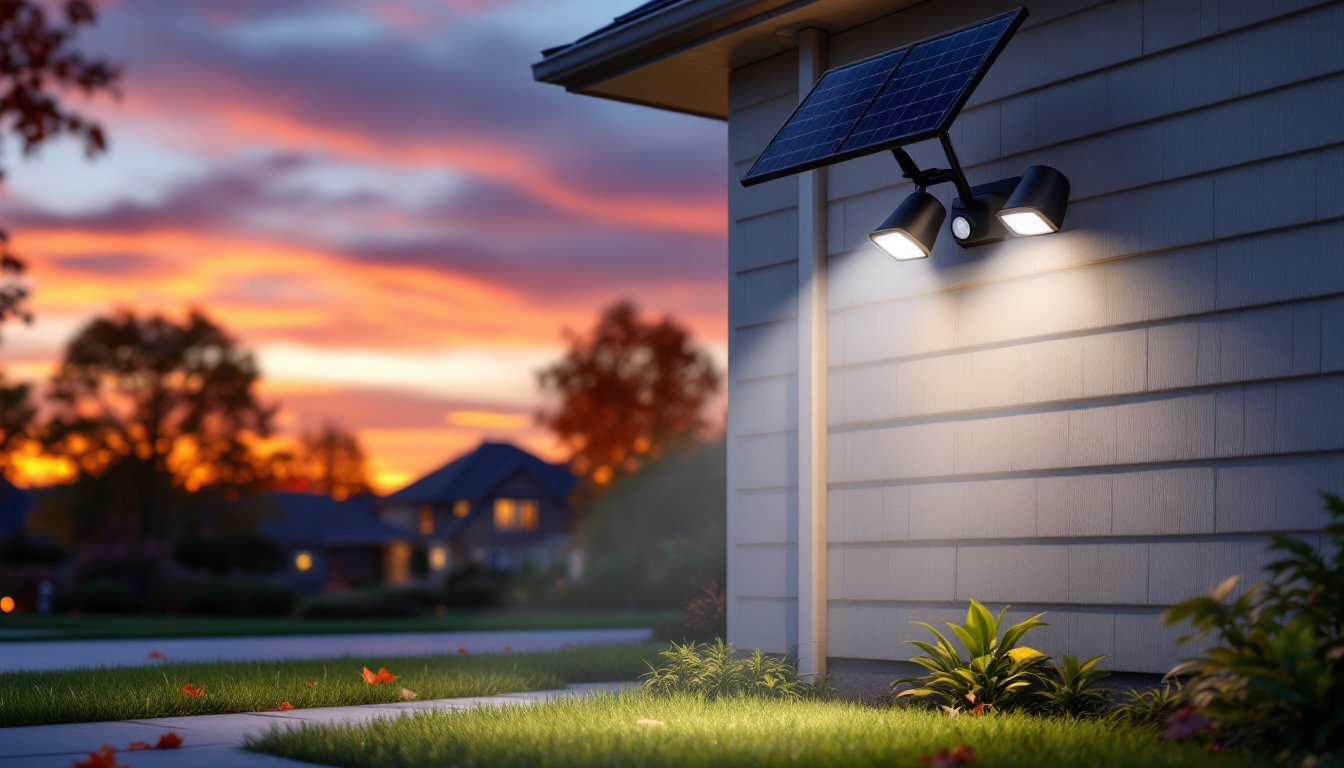
Outdoor security and curb appeal: Smart bulbs in porch fixtures and garage lights can trigger on motion, flash if security cameras detect activity, or turn on/off at sunset/sunrise automatically. Sustainable outdoor lighting reduces energy waste while maintaining safety and aesthetics. Color options let homeowners switch to red and green for holidays, purple for game days, or soft white for everyday use.
Compact spaces: In apartments or smaller living rooms, smart bulbs maximize flexibility without permanent changes. A single RGBW bulb in a floor lamp can serve as reading light, mood lighting, or party accent, no additional fixtures needed. Voice control eliminates wall switches, streamlining minimalist interiors.
Whole-home scenes: Advanced users create geo-fenced routines that trigger when phones leave or approach home. “Goodbye” mode turns off all lights, locks smart locks, and sets thermostats to away. “Arrive Home” turns on entryway, kitchen, and living room lights, adjusts temperature, and disarms security. Reviews of leading smart bulb ecosystems highlight which platforms handle complex automations most reliably.
Smart LED lighting isn’t just about remote control, it’s about tailoring light to how people actually use spaces, then automating the adjustments so the home responds intuitively. That’s the practical upgrade worth the investment.