Smart lighting has moved from sci-fi concept to standard home upgrade in less than a decade. Walk into any big-box home store and you’ll find shelves stocked with bulbs that change color, dim on command, and sync with your phone, all without rewiring a single fixture. But before you swap out every switch in your house, it helps to understand what smart lighting actually is, how it works, and whether it’s the right fit for your space. This guide breaks down the technology, installation basics, and practical benefits without the marketing fluff.
Table of Contents
ToggleKey Takeaways
- Smart lighting connects to your home Wi-Fi or hub and enables remote control, scheduling, and voice commands without rewiring existing fixtures.
- LED-based smart lighting systems use 75–80% less energy than incandescent bulbs and save approximately $165 per bulb over its 25,000-hour lifespan.
- Smart bulbs, switches, light strips, and fixtures suit different needs; bulbs are easiest to install, while switches control multiple fixtures but may require a neutral wire.
- Integration with Alexa, Google Home, or Apple HomeKit is critical for seamless automation, so choose systems compatible with your existing smart home platform.
- Motion sensors, dimming, and color temperature adjustments maximize energy efficiency and security, automatically lighting spaces when occupied and reducing consumption during low-activity periods.
- Start with high-traffic areas like kitchens, bedrooms, or outdoor spaces, then expand your smart lighting setup as you become comfortable with the technology.
Understanding Smart Lighting Technology
Smart lighting refers to any light fixture, bulb, or control system that connects to a network, typically your home Wi-Fi, Bluetooth, or a dedicated hub, and can be controlled remotely or programmed to operate on schedules. Unlike traditional lighting that requires a physical switch, smart systems use wireless protocols like Zigbee, Z-Wave, or Wi-Fi to communicate with apps, voice assistants, or automation platforms.
At its core, smart lighting is about control and automation. You can turn lights on from your phone while you’re still in the driveway, set them to gradually brighten at sunrise, or trigger them with motion sensors. Many systems integrate with platforms like Amazon Alexa, Google Assistant, or Apple HomeKit, allowing voice commands and cross-device automation.
The technology isn’t limited to just on/off functions. Modern smart lighting systems often include dimming, color temperature adjustment (warm white to cool daylight), and full RGB color control. Some advanced setups can sync with music, TV content, or security systems to create dynamic lighting scenes.
It’s worth noting that “smart” doesn’t always mean expensive or complicated. Entry-level smart bulbs work as standalone units, screw one into an existing socket, download an app, and you’re set. More robust systems may require a central hub (a small device that acts as a translator between your bulbs and your network), but they offer better range, reliability, and integration with other smart home devices.
How Smart Lighting Works in Your Home
The setup depends on the type of system you choose, but the general workflow is straightforward. A smart bulb contains a tiny radio transmitter and receiver, along with LEDs and a driver circuit. When you send a command from your phone or voice assistant, that signal travels through your router (or hub) to the bulb, which responds accordingly.
Here’s the typical signal path:
- You issue a command via app, voice assistant, or automation rule.
- The command is sent to your Wi-Fi router or dedicated hub.
- The hub or router relays the signal to the bulb using the appropriate wireless protocol.
- The bulb executes the command, dimming, changing color, or switching off.
Some smart bulbs bypass the hub entirely and connect straight to your Wi-Fi network. These are easier to set up but can bog down your router if you install dozens of them, since each bulb counts as a connected device. Hub-based systems using Zigbee or Z-Wave create a mesh network, where each bulb acts as a signal repeater, extending range and improving reliability.
Smart switches and dimmers are another option. Instead of replacing bulbs, you replace the wall switch itself. This works well if you prefer traditional bulbs or want to control multiple fixtures from one switch. Just be aware: smart switches usually require a neutral wire in the junction box, which isn’t present in older homes. If your box only has a hot and a load wire, you’ll need to run new wiring or choose a switch designed for no-neutral installations.
For renters or those who want minimal electrical work, plug-in smart outlets and portable hubs can control lamps without touching any wiring. Pop a smart plug into the wall, plug your lamp into it, and control it via app. No tools required.
Key Benefits of Installing Smart Lighting
Smart lighting offers more than just convenience, though being able to turn off the garage light from bed is undeniably nice. The real value comes from flexibility, energy savings, and integration with broader home automation.
Convenience and control top the list. Forgot to turn off the basement lights before leaving for vacation? Handle it from the app. Want to set the porch light to turn on at sunset year-round? One-time automation handles it. Many systems let you create scenes, pre-set combinations of brightness and color for activities like movie watching, reading, or cooking.
Security features are built into most platforms. You can schedule lights to turn on and off randomly while you’re away, simulating occupancy. Some systems integrate with door sensors or cameras, automatically lighting up entryways when motion is detected. Compared to running lights 24/7 or relying on basic timers, smart lighting offers more realistic and adaptive deterrence.
According to product testing and reviews, top-rated smart bulbs deliver accurate color rendering, responsive controls, and long lifespans that justify their higher upfront cost compared to standard LEDs.
Energy Savings and Environmental Impact
Smart lighting is almost always LED-based, which already uses 75-80% less energy than incandescent bulbs and lasts 15 to 25 times longer. Add in automation, lights that turn off when rooms are empty, dimming during low-activity hours, and the savings compound.
A standard 60-watt incandescent draws about 60 watts: an equivalent LED smart bulb uses around 9 watts. Over 25,000 hours of use (the typical LED lifespan), that’s roughly 1,275 kWh saved per bulb. At an average residential rate of $0.13 per kWh, that’s about $165 in electricity costs avoided over the bulb’s life, not counting the cost of replacing incandescents 20+ times.
Dimming further extends lifespan and reduces energy draw. Running a bulb at 50% brightness can cut consumption nearly in half and significantly reduce heat output, which in turn lowers cooling loads in warmer months. Smart lighting technology enables these efficiencies through scheduling, motion sensing, and adaptive brightness based on natural light levels.
For environmentally conscious homeowners exploring sustainable lighting solutions, smart systems offer measurable reductions in energy use and carbon footprint, especially when paired with renewable energy sources or time-of-use electricity rates.
Types of Smart Lighting Systems Available
Smart lighting comes in several formats, each suited to different needs and installation contexts. Choosing the right type depends on your home’s wiring, the fixtures you already have, and how deep you want to go into automation.
Smart bulbs are the simplest entry point. They screw into standard E26 (medium base) or E12 (candelabra) sockets and work with existing fixtures. No rewiring, no electrician. Most offer dimming and color tuning: premium models add full RGB color. Brands like Philips Hue, LIFX, and Wyze dominate this category. Keep in mind: if someone flips the physical wall switch off, the bulb loses power and can’t be controlled remotely until the switch is back on.
Smart switches and dimmers replace your existing wall switches and control whatever bulbs are wired to them, smart or not. This is ideal for overhead fixtures, recessed cans, or chandeliers where swapping every bulb would be costly. Installation requires basic electrical skills: turning off the breaker, identifying line and load wires, and connecting the new switch per the manufacturer’s diagram. Always verify you have a neutral wire (usually a bundle of white wires capped together in the back of the box). Some newer switches work without one, but options are limited.
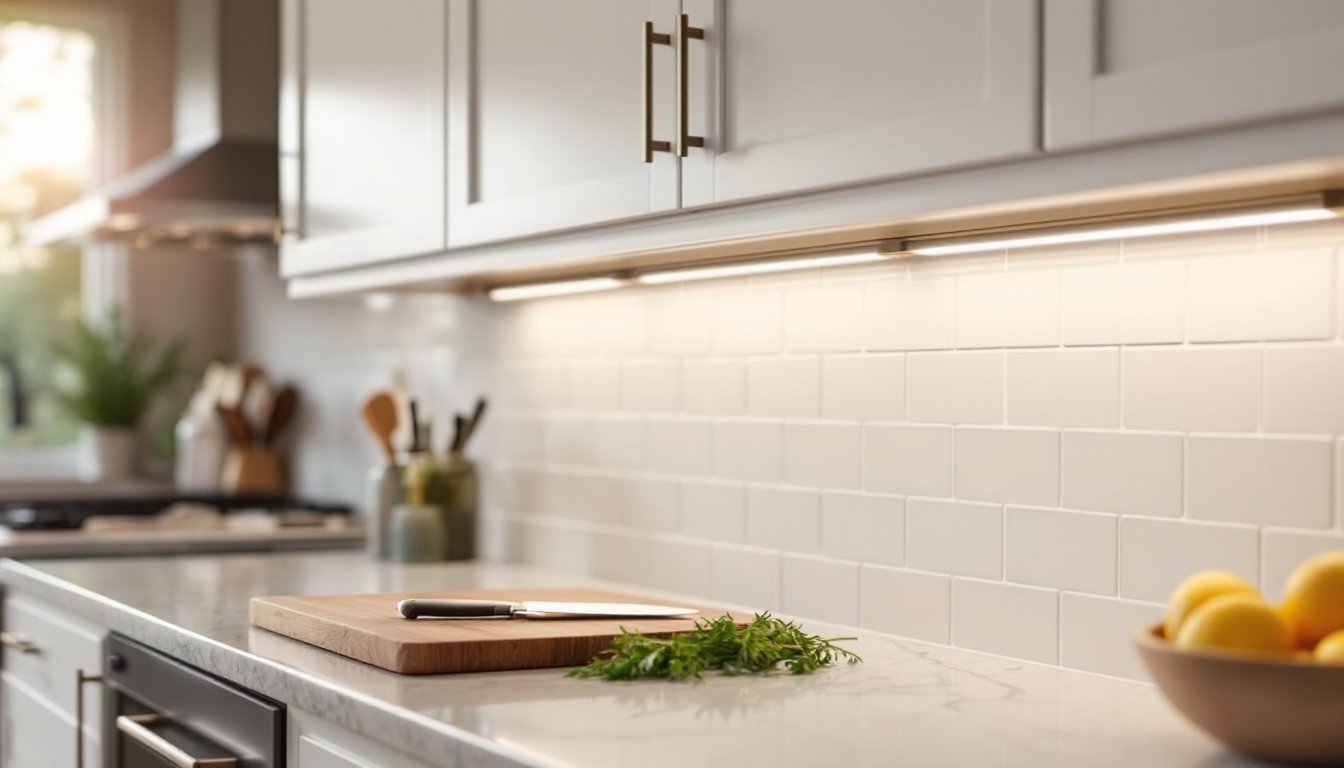
Smart light strips offer accent and task lighting for under-cabinet installations, behind TVs, or along staircases. They typically come with adhesive backing and a controller that plugs into an outlet. RGB strips can cycle through millions of colors: tunable white strips adjust from warm (2700K) to cool (6500K). Mounting is straightforward, clean the surface, peel, and stick, but managing the power cable and controller box requires some planning.
Smart fixtures integrate the technology directly into the housing, think flush-mount ceiling lights, pendant lamps, or outdoor sconces with built-in Wi-Fi or Zigbee. These are great for new construction or remodels where you’re replacing fixtures anyway. They eliminate the need for separate bulbs or switches but tend to be pricier and harder to upgrade down the line.
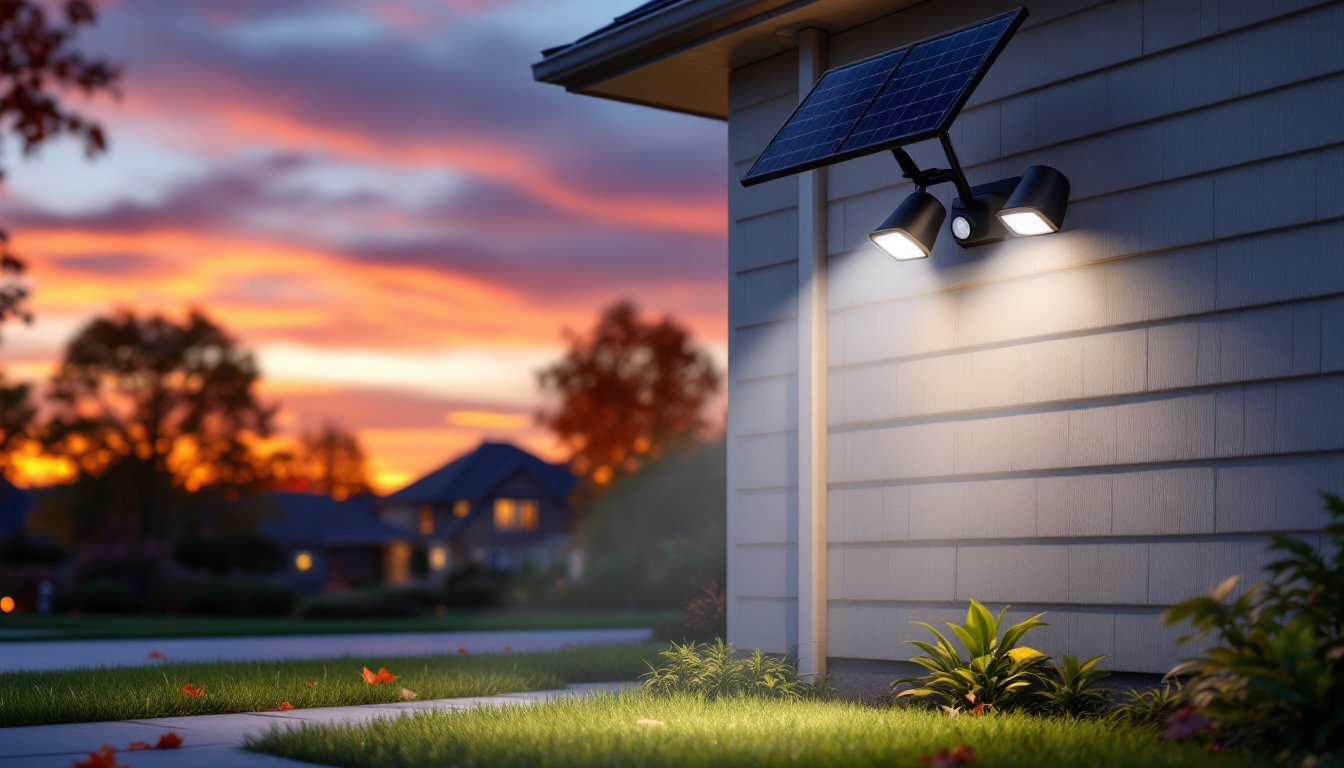
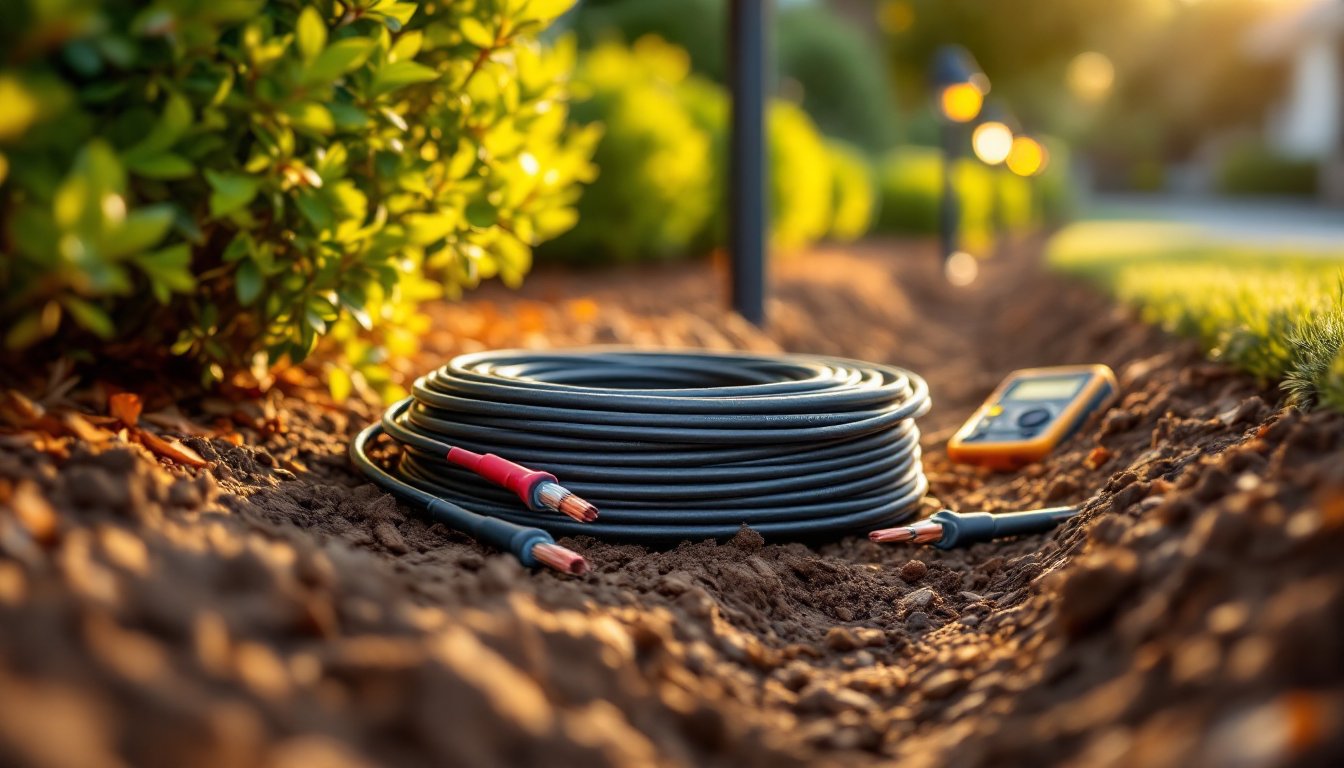
Outdoor and landscape smart lighting includes floodlights, path lights, and spotlights designed to withstand weather. Look for IP65 or higher ratings for water and dust resistance. Many outdoor systems integrate with motion sensors and cameras, turning lights into active security components. Wiring outdoor fixtures often requires burying low-voltage cable or hiring an electrician for line-voltage runs, check local codes.
Choosing the Right Smart Lighting for Your Space
Start by identifying which rooms or fixtures you want to control and what you’re trying to achieve. Not every space needs a full smart overhaul, and mixing systems can lead to app fatigue and compatibility headaches.
For living rooms and bedrooms, where ambiance matters, smart bulbs or dimmers with color temperature control work well. You can shift from energizing cool white during the day to warm, relaxing tones in the evening. If you frequently change lighting styles to match seasonal decor or moods, RGB bulbs add flexibility.
Kitchens and bathrooms benefit from bright, reliable task lighting. Smart switches or dimmers paired with standard LED bulbs offer consistent performance without the risk of a bulb losing connectivity mid-recipe. Motion-activated switches are handy for pantries, closets, or powder rooms where hands are often full.
Small spaces like hallways, laundry rooms, or compact living areas are perfect candidates for motion-sensing smart bulbs or plug-in smart outlets. These can turn on automatically when you enter and off after a set period of inactivity, saving energy without sacrificing convenience.
Outdoor areas call for weather-resistant fixtures with built-in motion sensing and scheduling. Driveway lights that turn on at dusk and off at dawn, or floodlights that trigger when a car pulls up, add security and curb appeal. Make sure any outdoor smart device is rated for your climate, extreme cold or heat can shorten lifespan or cause connectivity issues.
Compatibility is critical. If you already use Alexa, Google Home, or Apple HomeKit, choose bulbs and switches that integrate natively. If you’re building from scratch, consider a hub-based system like Philips Hue (Zigbee) or Lutron Caseta (proprietary wireless) for better range and reliability. Avoid buying into a platform that locks you into a single brand unless you’re certain it meets all your needs.
Finally, budget realistically. Smart bulbs run $10–$60 each depending on features: smart switches cost $20–$80: hubs add another $50–$100. A whole-home setup can easily exceed $500. Prioritize high-traffic or high-impact areas first, then expand as you get comfortable with the technology.
Getting Started with Your Smart Lighting Installation
Most smart lighting installs are DIY-friendly, but preparation and patience make the difference between a smooth setup and a frustrating evening of troubleshooting.
For smart bulbs:
- Unbox and check compatibility with your fixture and app.
- Screw the bulb into the socket and turn on the wall switch.
- Download the manufacturer’s app and follow the pairing instructions, usually involves toggling the bulb on/off a few times or holding down a button.
- Connect the bulb to your Wi-Fi network or hub.
- Name the bulb by room or function (“Kitchen Island,” “Bedroom Lamp”) for easier voice control.
If the bulb doesn’t pair, reset it per the manual (often a specific on/off sequence) and try again. Keep your phone close to the bulb during setup for stronger signal.
For smart switches:
- Turn off power at the breaker, verify with a non-contact voltage tester.
- Remove the old switch and identify wires: line (hot, usually black), load (to the fixture, often black or red), neutral (white bundle), and ground (bare copper or green).
- Connect the new smart switch per the wiring diagram: line to line, load to load, neutral to neutral, ground to ground. Use wire nuts and ensure solid connections.
- Tuck wires neatly into the box and mount the switch.
- Restore power, download the app, and pair the switch.
If you’re uncomfortable working with live wiring or your box lacks a neutral, hire a licensed electrician. This is especially true for three-way switches (controlling one light from two locations), which require more complex wiring.
Safety first: Wear safety glasses when working overhead, and use a sturdy ladder. Never work on live circuits. If you smell burning plastic or see sparks, shut off power immediately and consult a professional.
Setup tips:
- Place your Wi-Fi router centrally and avoid thick walls or metal obstacles that block signals.
- Update firmware on bulbs and hubs before adding them to scenes or automations.
- Group lights by room in your app for easier control.
- Test automations during the day to avoid surprises, no one wants the bedroom lights flashing at 2 a.m. because a schedule glitched.
Once installed, smart lighting integrates naturally into daily routines. Whether you’re fine-tuning the best lighting for a living room or automating security lighting for peace of mind, the flexibility and control make the upfront effort worthwhile.